This post details how to build an automated cyber threat feed using n8n. We’ll walk you through setting up workflows to filter specific threat feeds by time, then leverage Large Language Models (LLMs) to intelligently summarize the data. Finally, we’ll format and push these summaries directly into a Discord message on a set schedule. The result? Significant time and energy savings, eliminating the need for manual checking of favorite threat sources.
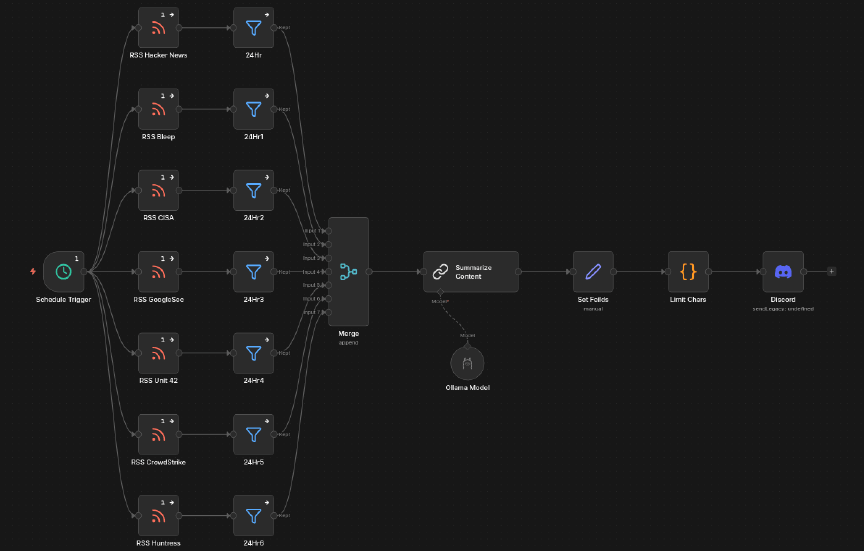
RSS Feeds → 24h Filter → LLM Summarization (Ollama) → Clean Discord Messages
Pre-Reqs
- Gather a list of cyber threat feed sites and their RSS feed URLs (SANS, Hacker News, etc.)
- Local LLM running with Ollama (recommended: Llama 3.1 or 3.2) OR an API key + endpoint for OpenAI / Grok / Claude
- Discord account + a dedicated channel for threat intel
- Discord webhook URL created for that channel (created in the final step)
Setup
← Watch this N8N Setup video Walkthrough if you haven’t installed n8n yet.
High-Level Workflow
- Schedule Trigger (5am daily)
- RSS Feed nodes
- 24h Filter nodes
- Merge node
- LLM Chain (Ollama)
- Set Fields
- Function node (split messages for Discord)
- Discord Webhook
1. Schedule Trigger
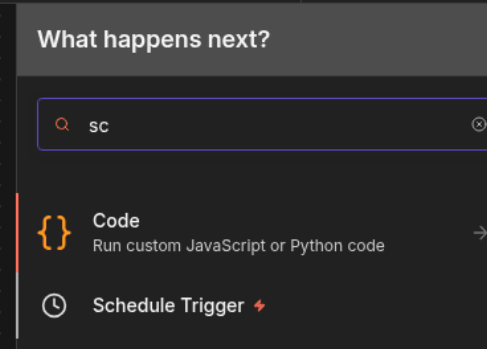
Go ahead and start a new workflow. First click the + icon in the top-left of the canvas and search for “Schedule Trigger”.
Double-click the node and set desired configuration for schedule:
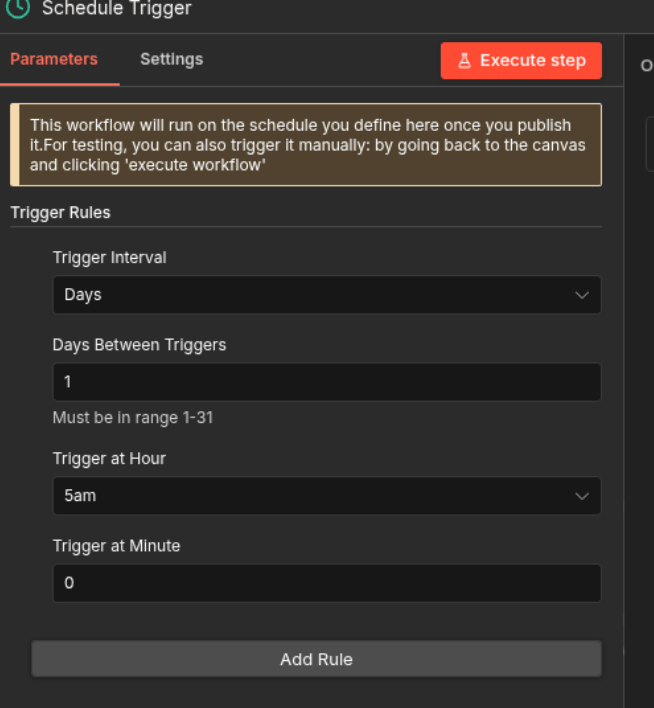
Trigger Interval: Days
    Days Between Triggers: 1
    Trigger at Hour: 5am
    Trigger at Minute: 0
This makes the workflow run automatically every morning at 5am.
2. RSS Feed Nodes
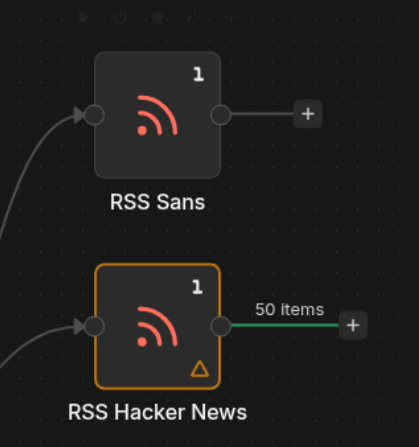
Add one RSS Feed node for each threat feed you want.
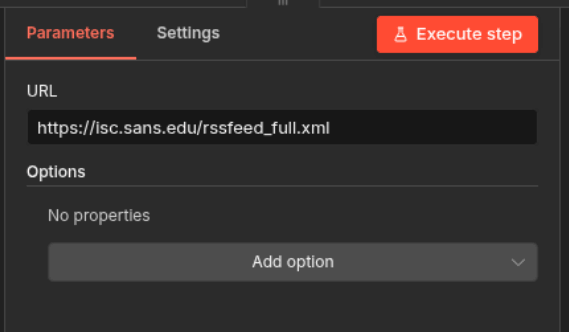
Double-click the node and paste the RSS URL. Example feeds:
https://isc.sans.edu/rssfeed_full.xml
    https://thehackernews.com/feed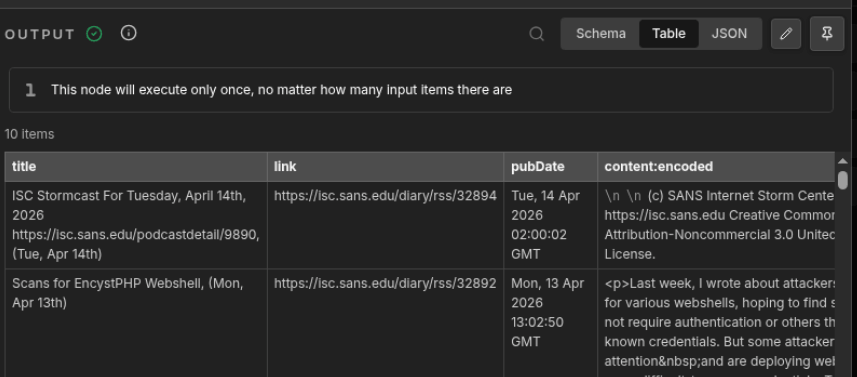
Click Execute Step on each node to test that the feed works and returns items. After that you rince and reapeat till you have all your desired feeds added.
3. 24-Hour Filter
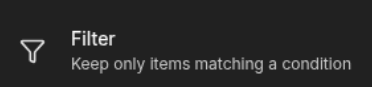
Add a Filter node after each RSS node so you only keep articles from the last 24 hours.
In the filter condition use this expression:
{{ new Date(Date.now() - 24*60*60*1000) }}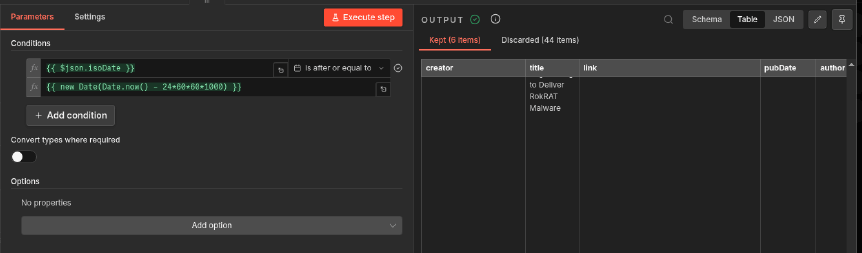
Keep only items where isoDate is after the value above. Repeat for every RSS feed node.
4. Merge Node
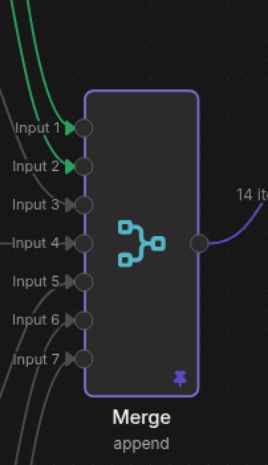
Add a Merge node and set it to Append mode with the number of inputs matching your RSS feeds.
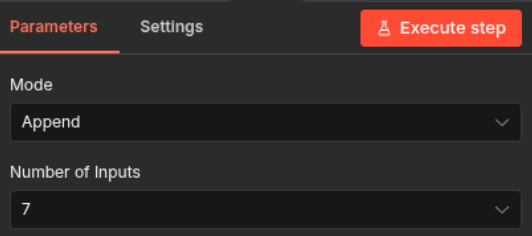
This combines all filtered articles into one clean list for the LLM.
5. LLM Chain (Summarization)
With our feed filtered and merged, we can now leverage AI to create concise, two-sentence summaries perfect for fitting within the 2000-character limit of Discord.
Add a Basic LLM Chain node and connect it to the Merge node.
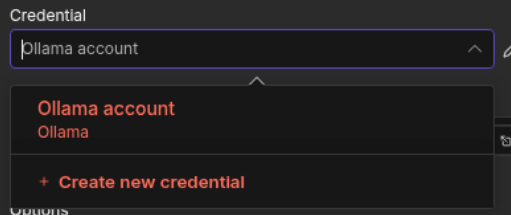
Set up your Ollama credential (Base URL: http://localhost:11434) and choose your model. If you dont have a local model running you can always tie in a node to connect to any of your favoirte LLMs (OpenAI,Grok,Claude)
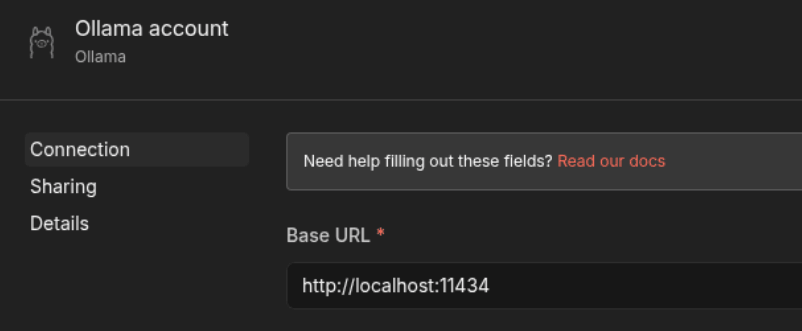
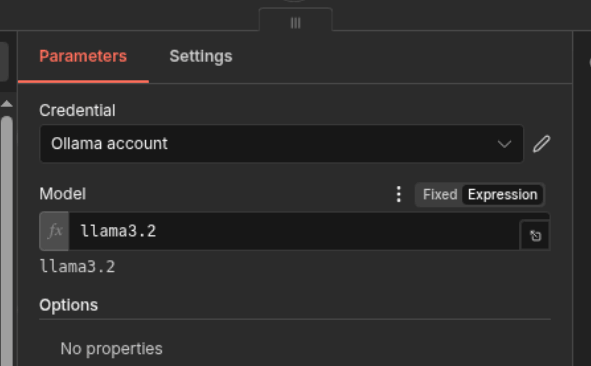
Next I had AI help generate a prompt to accomplish what I was looking for. Feel free to prompt enginner something that aligns closer to your goals.
Summarize the following text in **2000 characters or less**.
    Do **not** include any introductory phrases like "Here is your summary".
    Only provide the concise summary: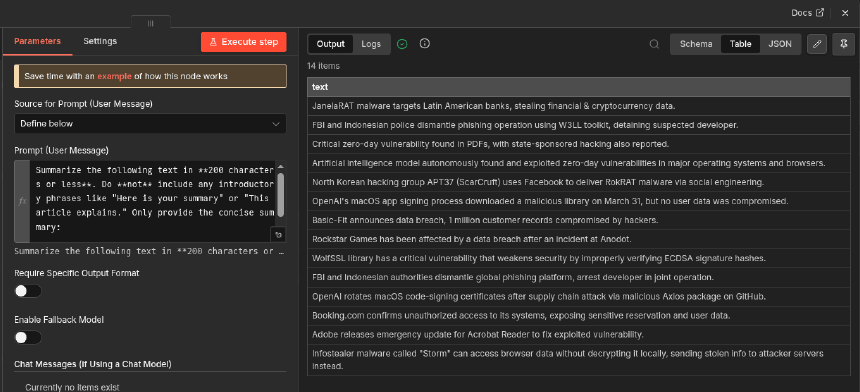
Execute the step to test the summaries.
6. Set Fields
Up next is to set fields here we are going to designate what all fields we want from our feeds, and form out our desired summarized content to be sent.
Manually map these fields:
title  →  {{ $json.title }}
    link   →  {{ $json.link }}
    text   →  {{ $json.text }}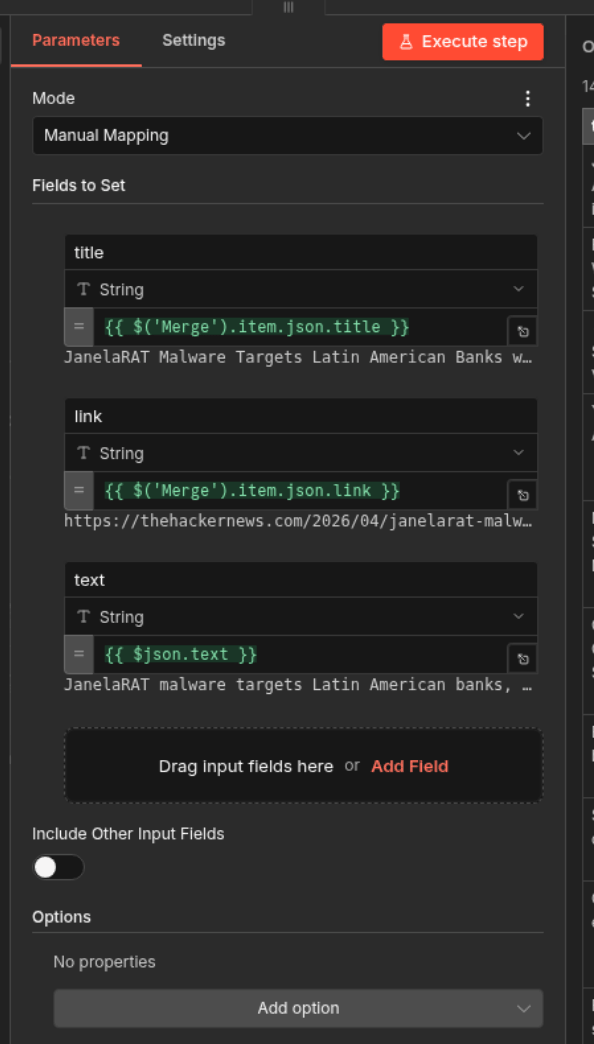
This keeps only the clean data we want to send to Discord.
7. Function Node – Split for Discord
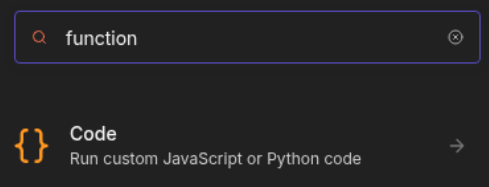
Dealing with Discord's 2000-character limit proved to be our next hurdle. We had 14 items ready to go, and we needed a way to package them efficiently. I leveraged AI to generate a custom JavaScript function designed to solve this. It formats our data by splitting long entries into individual messages. This approach guarantees that no data is lost and keeps our data pipeline completely unbroken.
const MAX_LENGTH = 2000;
    let messages = [];
    for (const item of $items()) {
      const title = item.json.title;
      const link = item.json.link;
      const text = item.json.text;
      const firstChunkMax = MAX_LENGTH - title.length - link.length - 10;
      const firstChunk = text.slice(0, firstChunkMax);
      messages.push({ text: `**${title}**\n${link}\n\n${firstChunk}` });
      for (let i = firstChunkMax; i < text.length; i += MAX_LENGTH) {
        messages.push({ text: `**continued**\n${text.slice(i, i + MAX_LENGTH)}` });
      }
    }
    return messages;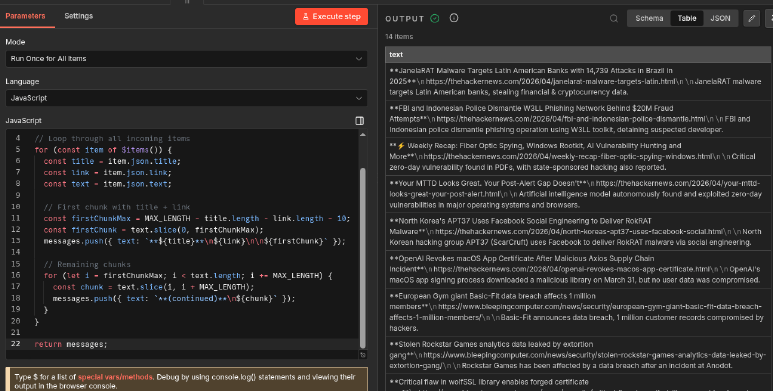
8. Discord Webhook Node
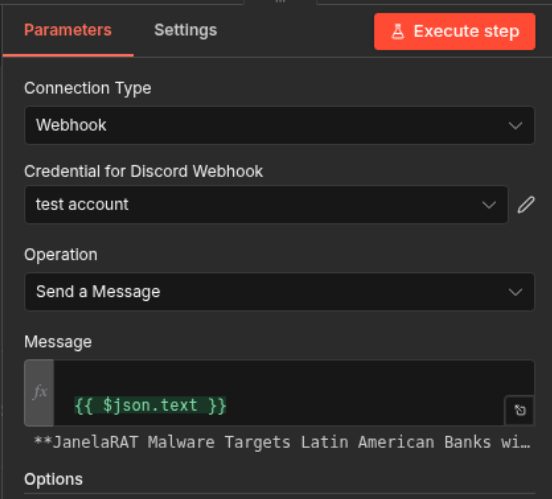
Add a Discord node → Connection Type: Webhook.
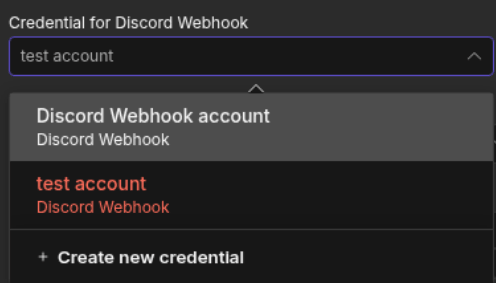
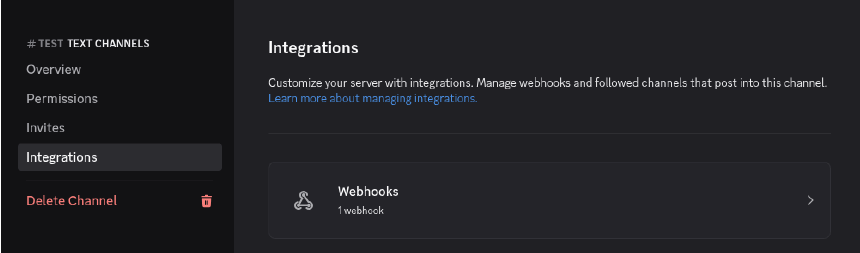
In discord you will need to go to the desired server and channel you want message to be delieved to. Go to Settings-> Integrations on the desired channel, and create a new webook url. Now you can paste your Discord webhook URL into Discord n8n node url form.
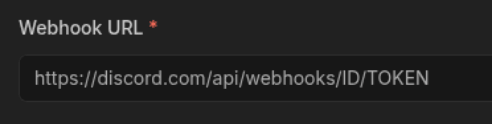
In the Message field use:
{{ $json.text }}Execute the whole workflow to test it. You should now see clean threat intel in your Discord channel every morning.

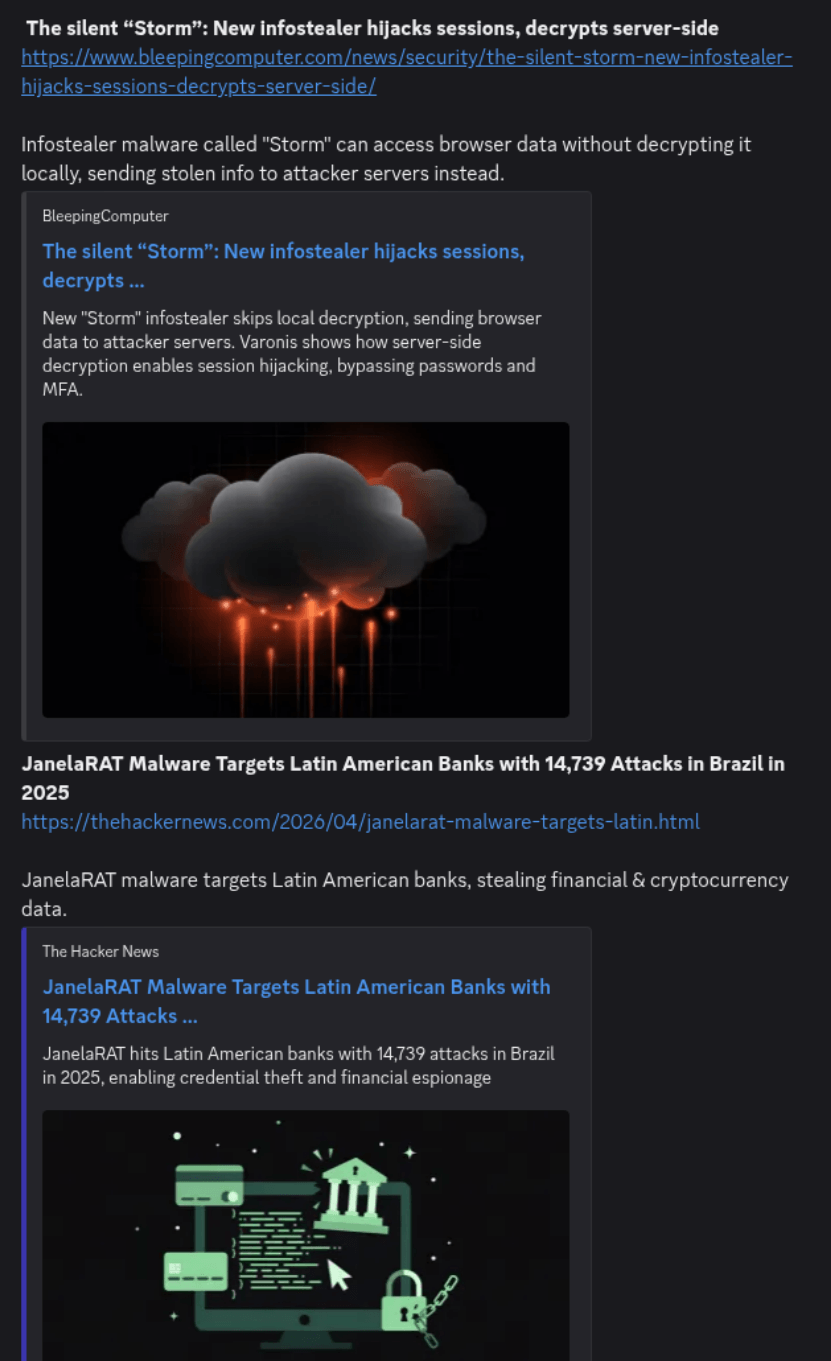
Final Result Example
Happy automating — Good Hunting!